
How to Sync a Dance Video to Music
Match a visible step to an audible beat, check another point later in the clip, and make timing adjustments before exporting your dance video.
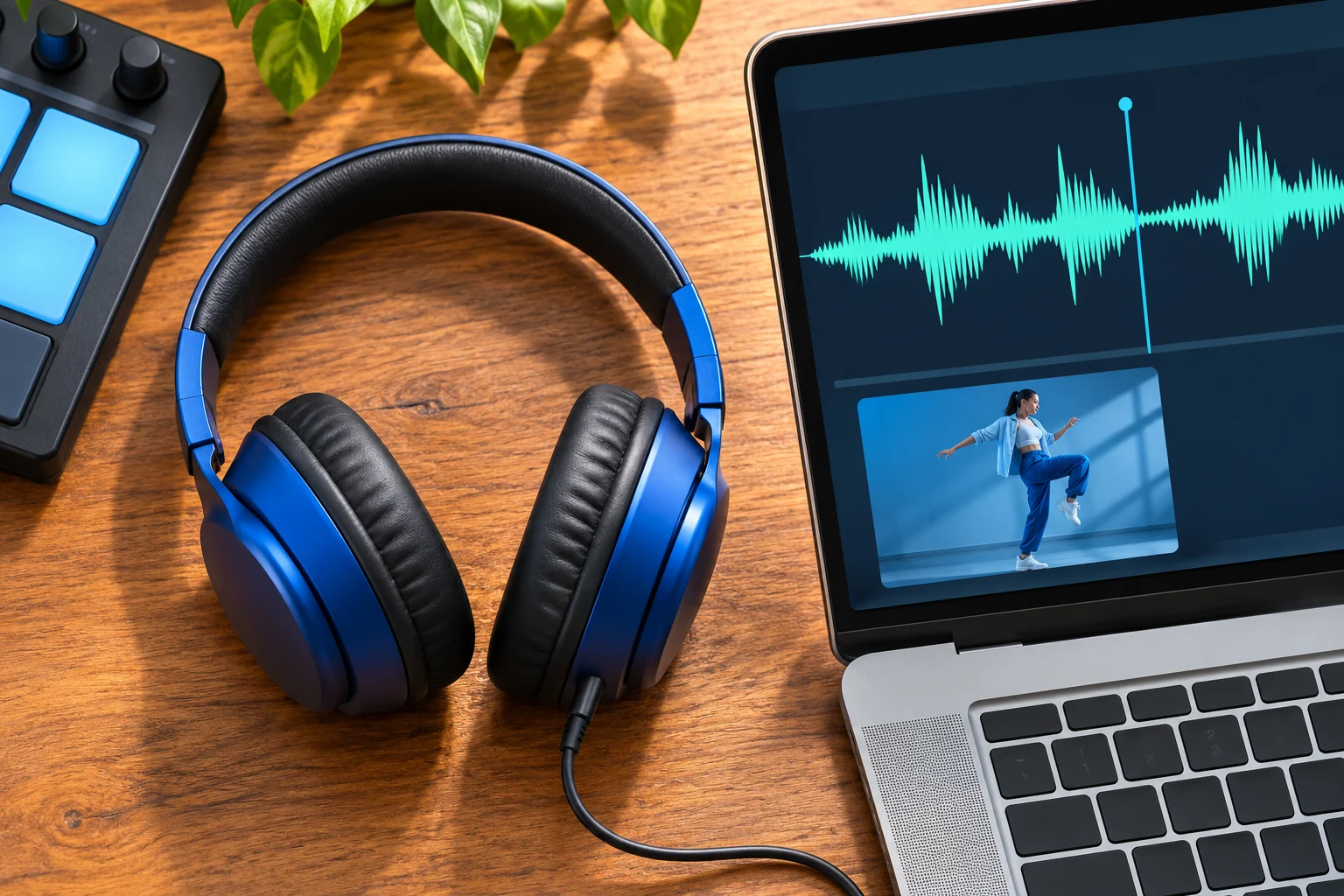
To sync a dance video to music, pick one visible action and one audible beat, then align them on the timeline. A foot landing, clap, or sharp stop gives you a frame you can find again. Once that action lines up, check a second point later in the clip to see whether the timing holds.
Put the clip and music on separate tracks
Open the video in an editor and place the soundtrack on its own audio track. If the clip contains room sound or a count-in, keep that track available while you set the timing. It can help you find the original rhythm. Turn the room track down while you listen to the new music by itself.
Play a short section of the track and pick a beat you can identify on repeated listens. Look at the waveform to narrow down the spot, then listen before deciding. A strong peak might be a hi-hat, a vocal sound, or a drum hit. Choose the beat that makes sense for the movement, then place a marker at the sound you want to hit.
Mark the frame where the move lands
Step through the video around the action. For a footfall, find the frame where the shoe first contacts the floor or where the weight visibly settles, depending on which event you want the beat to emphasize. For a clap, follow the hands and use the moment they meet. Mark that frame on the video timeline.
Move the soundtrack so the marked beat meets the marked frame. For example, if the foot lands at 1.20 seconds and the beat is at 1.47 seconds on the same timeline, move the music 0.27 seconds earlier. Replay the section at normal speed to judge whether that alignment feels right. Adobe’s timeline marker guide
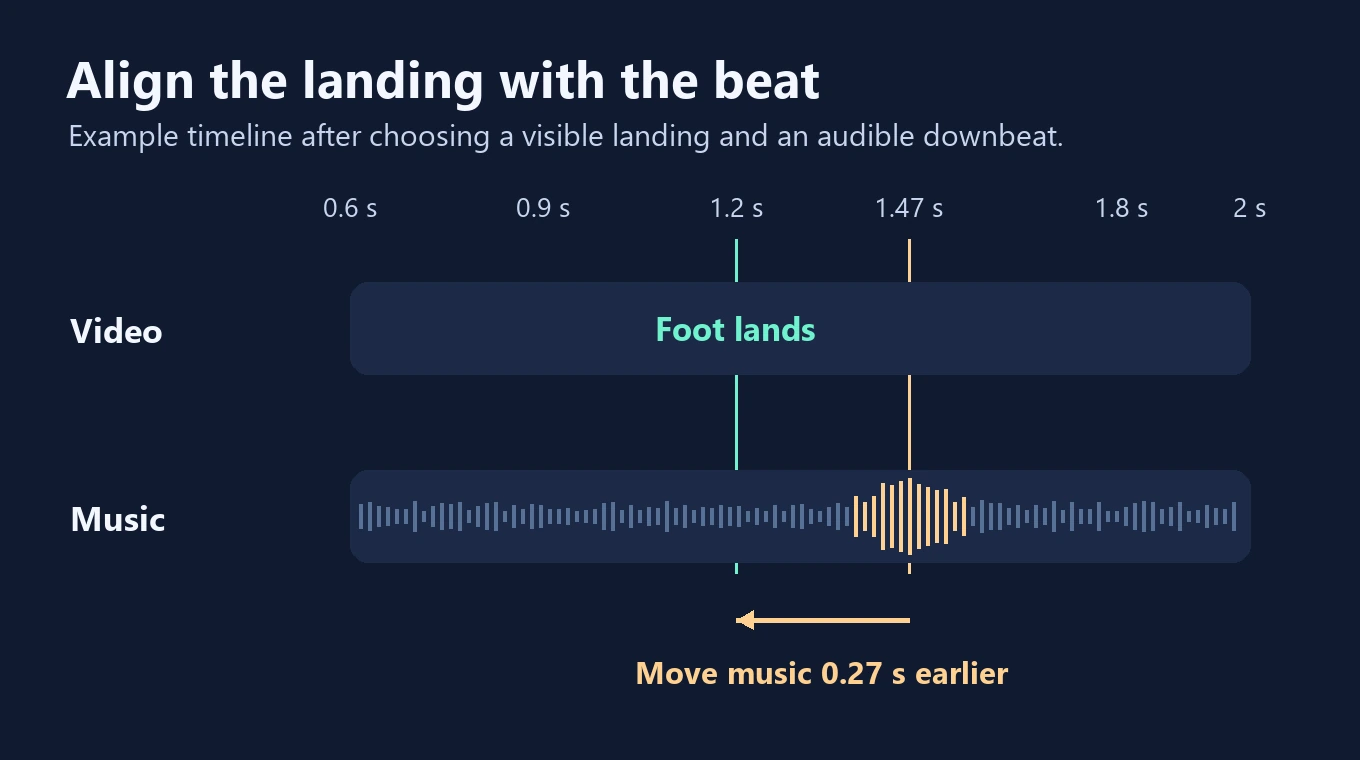
Moving the music 0.27 seconds earlier brings this beat to the landing.
If you have a specific musical entrance in mind, keep that beat fixed and move the video clip to it instead. The useful part is having one precise event on each track. You can adjust the timing and return to the same pair of markers to check the result.
Check whether the timing holds through the next phrase
Play the first marked move, then choose another clear event later in the same passage. If both feel early or late by about the same amount, shift the soundtrack a small amount and check them again. If the first hit lines up and the later one drifts, the movement and track are moving through the phrase at different rates.
For a short edit, try a part of the song with a pulse closer to the routine. You can also use a shorter passage around the movement that already matches the music. If you do adjust the speed in your editor, preview the dancer’s footwork and landing at the new speed before committing. A later check tells you whether that change helped the whole passage.
Listen once after the export
Play the exported file with sound, preferably on the device people will use to watch it. Check the first marked move and the later one before sharing. If you are making the clip from a photo and a motion reference, start in Shimio’s video workspace, download the chosen MP4, then do the music edit in your video editor. Keep the same two movement cues when comparing another take, so your timing checks stay anchored to the routine.