
How to Film a Dance Reference Video at Home
Film a dance reference video with a phone, a steady frame, and room for the whole move. Check what the camera can see before using the clip in an animation.
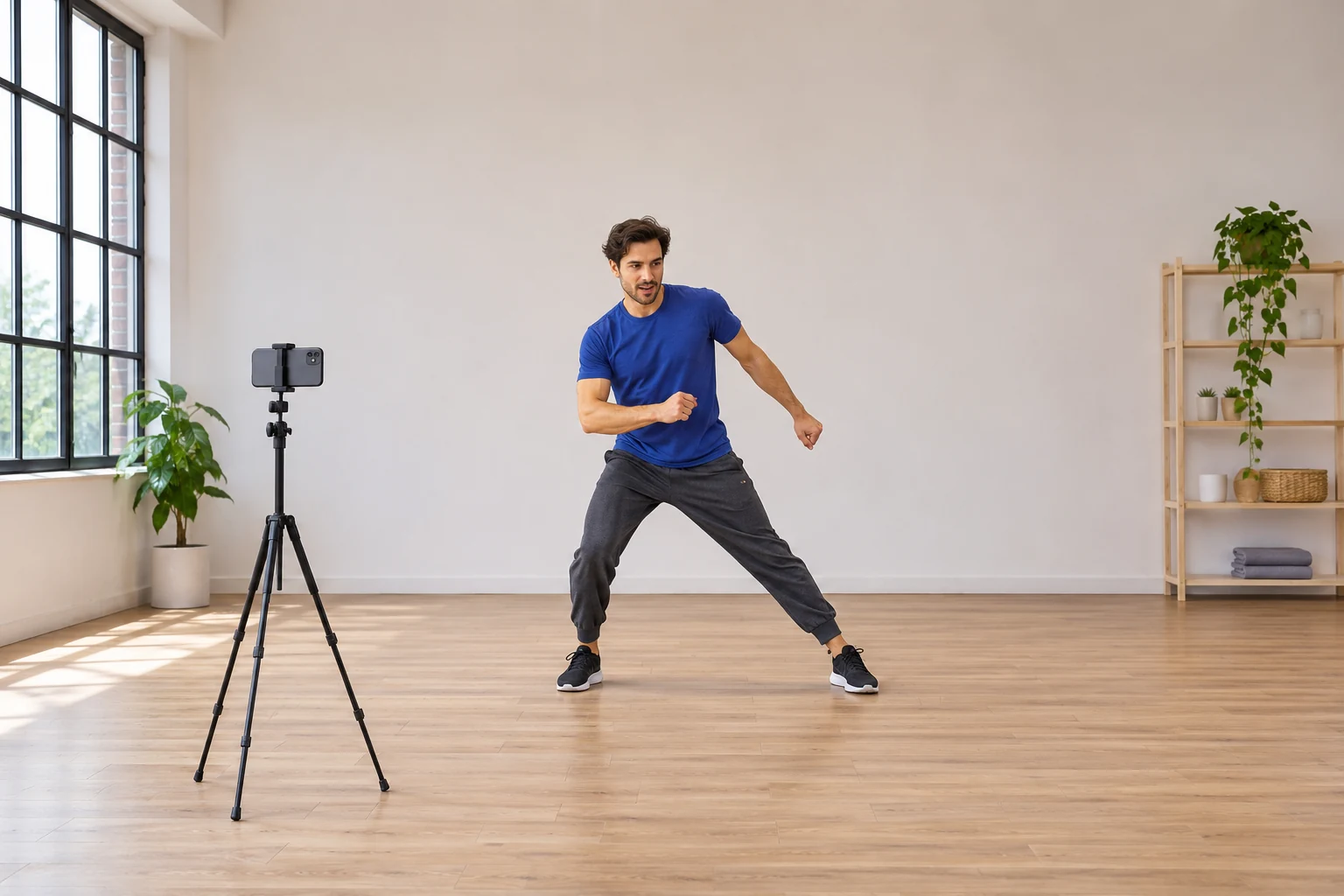
A good dance reference video shows the whole move from the moment the dancer shifts their weight to the moment they land. A phone on a steady support and one continuous take are enough to start. Before recording, rehearse the part that needs the most room and check it through the phone screen.
Choose the passage before you place the camera
Pick the phrase you want the finished video to follow. It might be one turn, a four-count entrance, or a short sequence that travels across the floor. Run through that phrase once at performance speed. Notice where the dancer starts, where their hands reach farthest, and where their feet land.
Use those outer points to choose where to put the phone. For a traveling step, ask the dancer to pause at both ends of the path while you check the frame. For a turn with raised arms, check the fingertips at the top of the reach. If the body fits only in the first pose, move the camera back and try the whole passage again.
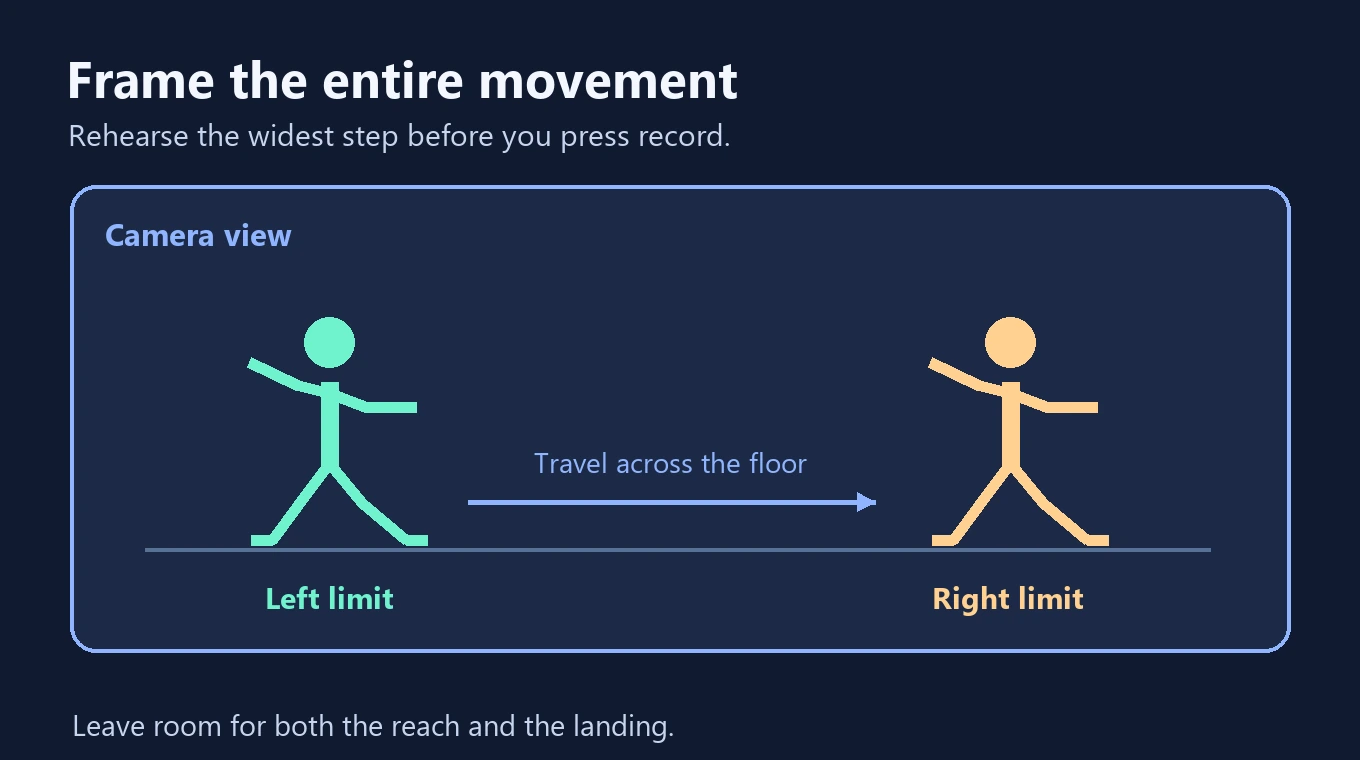
Rehearse both ends of the movement in the same camera view.
Ithaca College’s dance filming guide uses a tripod or stable support, a short test recording, and playback before the final take. That same preparation works when the footage will become a movement reference. Ithaca College’s filming guidelines
Make the movement easy to see
Set the phone level, point it at the space the dancer will use, and keep it there during the take. For upright choreography, a roughly front-facing view makes left and right footwork easy to follow. If the move turns side-on, keep enough room to see the change in direction as it happens.
Look at the dancer’s outline against the room. A simple wall and even light help you see when a hand passes in front of the torso or a foot crosses the other leg. Give the dancer a little space from the wall, and choose a camera position where furniture stays outside the movement path. Check the video on the phone before moving the tripod. The screen gives you a better view of the recorded framing than the room does.
Record the entry, the move, and the finish in one take
Begin filming while the dancer is in position. Let the camera run through the cue, the first weight shift, the main action, and a short moment after the landing. Those extra moments give you room to choose the exact passage later. If the dancer slips or steps outside the frame, use another take so the chosen move stays continuous.
For a side step followed by a turn, watch for three things on replay. Can you see which foot pushes away from the floor? Do both arms stay in frame through the turn? Can you see the foot that takes the dancer’s weight at the finish? Rehearse and record again if any of those details disappears. A second take with the camera a little farther back can make the difference clear.
Watch the take once before you upload it
Play the clip from start to finish at normal speed. Then replay the biggest movement and check the edge of the frame. Choose the take that shows the progression you want the animated character to follow. If you are filming a pair, check where the two dancers cross so you can still identify each person afterward. Guide to making a two-person dance video
Open Shimio’s video workspace, add the recording as the dance reference, and choose a character photo. Select the passage you just checked, then compare the rendered movement with that same passage before downloading your take.